Make the adjustment yourself.
Work directly in the editor. Change the wording, adjust a layout, move a layer, or refine your scene. You can keep making hands-on changes as the project develops.
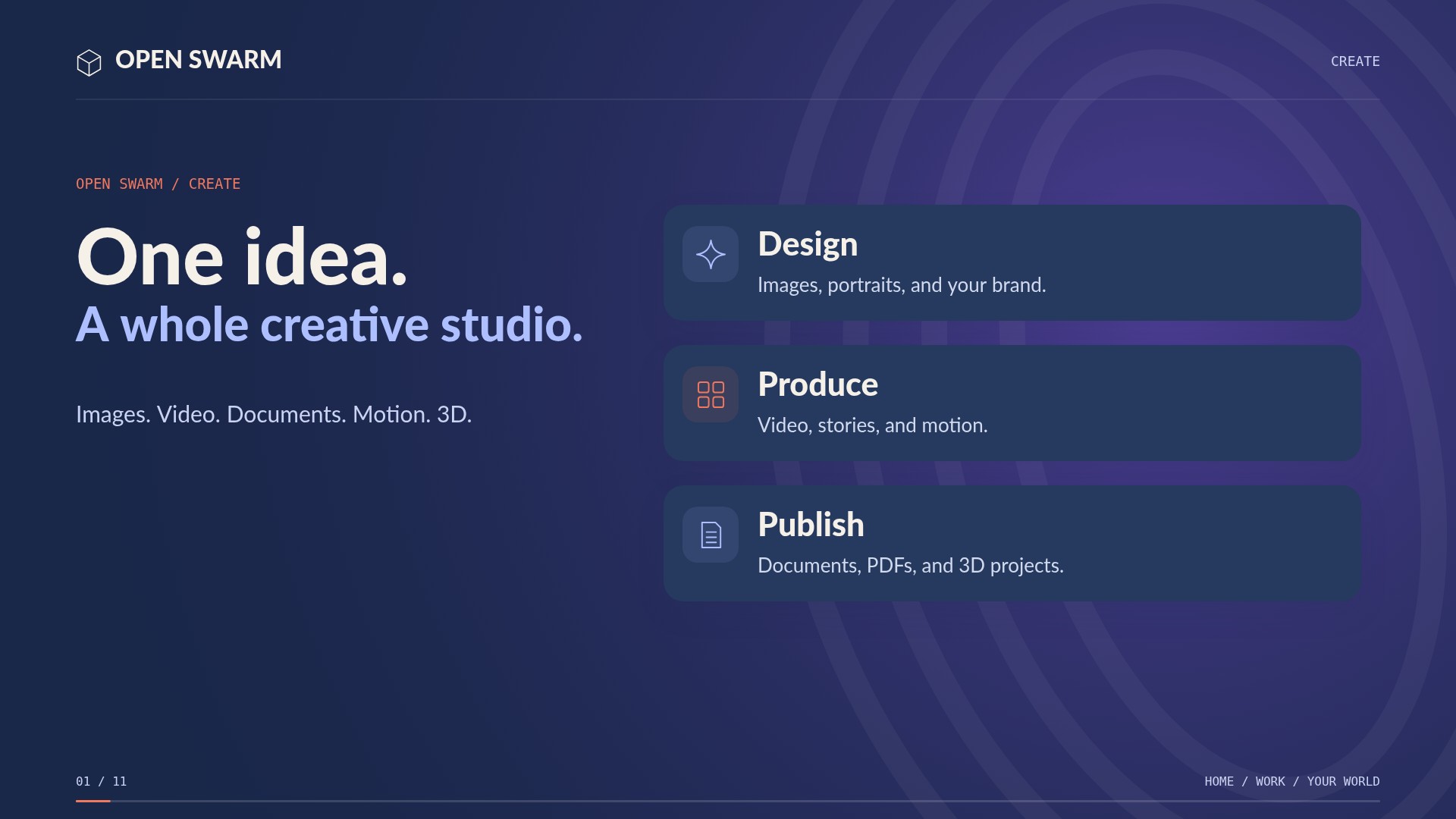
Work side by side on documents, images, presentations, and 3D scenes. Make adjustments yourself, or discuss what you want to change and have the embedded agent apply supported edits to the work. Review the result, refine it together, and keep creating.
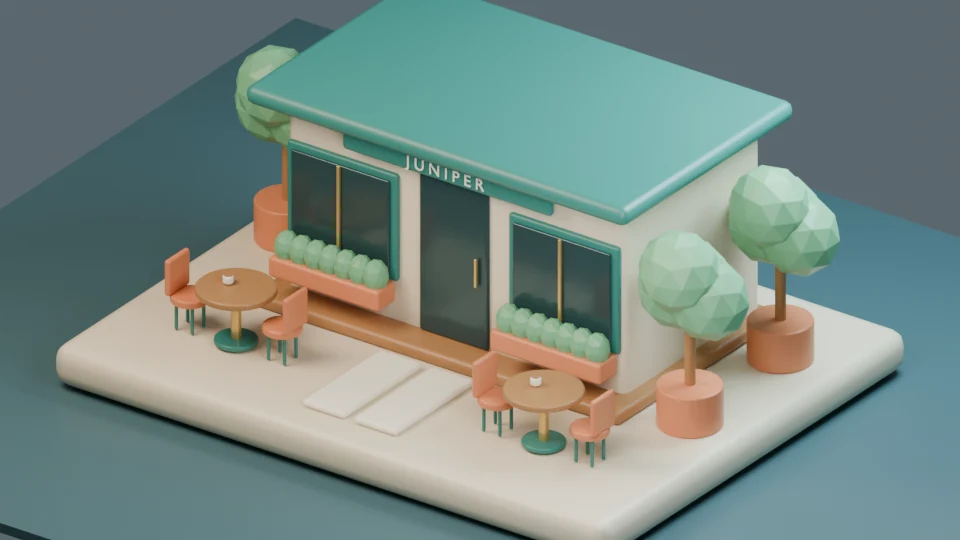
Work directly in the editor. Change the wording, adjust a layout, move a layer, or refine your scene. You can keep making hands-on changes as the project develops.
Explain what you want to change in the work you have open. Shorten a document section, reorganize a slide, or ask Scene Studio to change the model and render it again. The embedded agent uses its editing tools to carry the request into the project.
Move between your own edits and AI-assisted changes. Review Office edits before applying them, accept an image-region candidate when it looks right, or inspect an updated scene render. Keep shaping the result together.
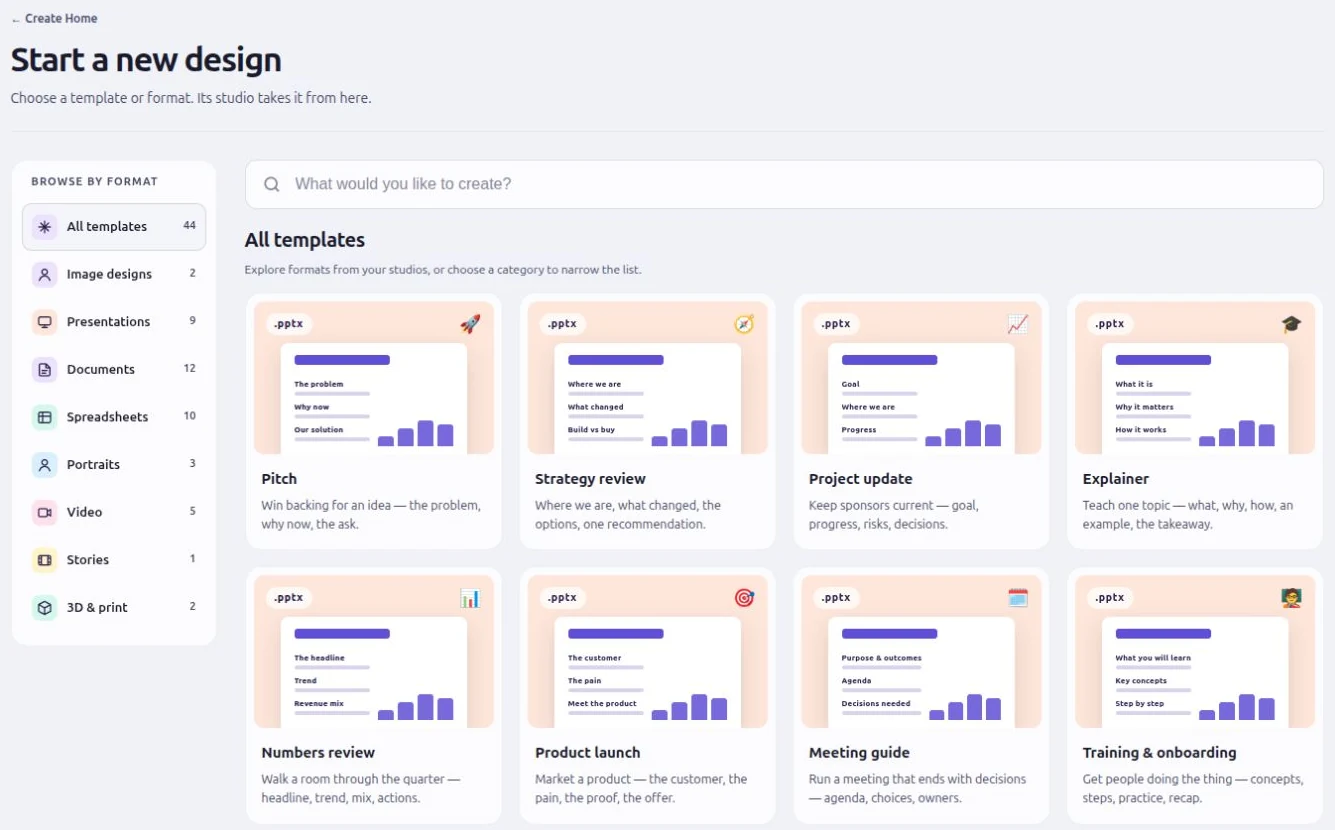
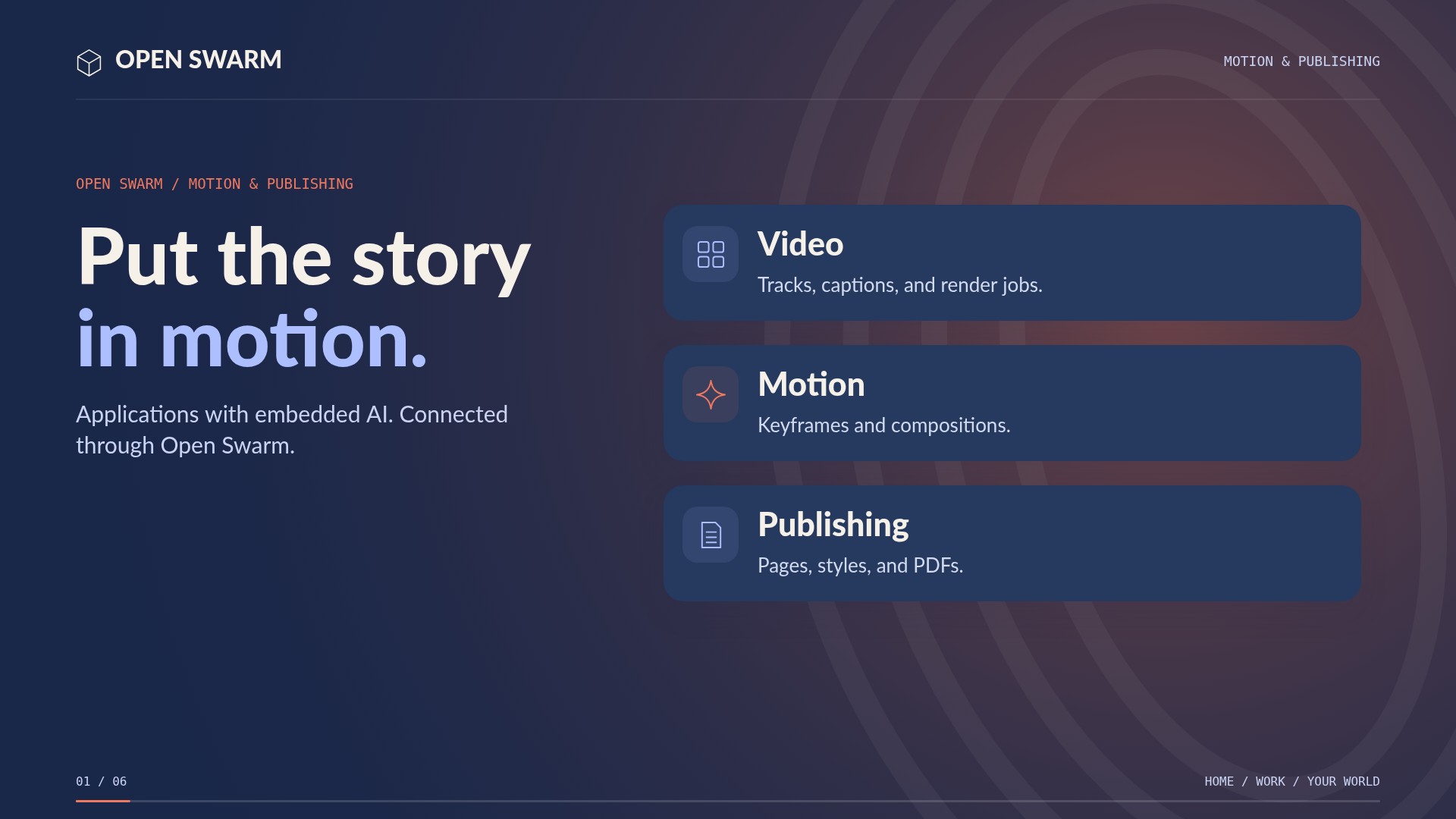
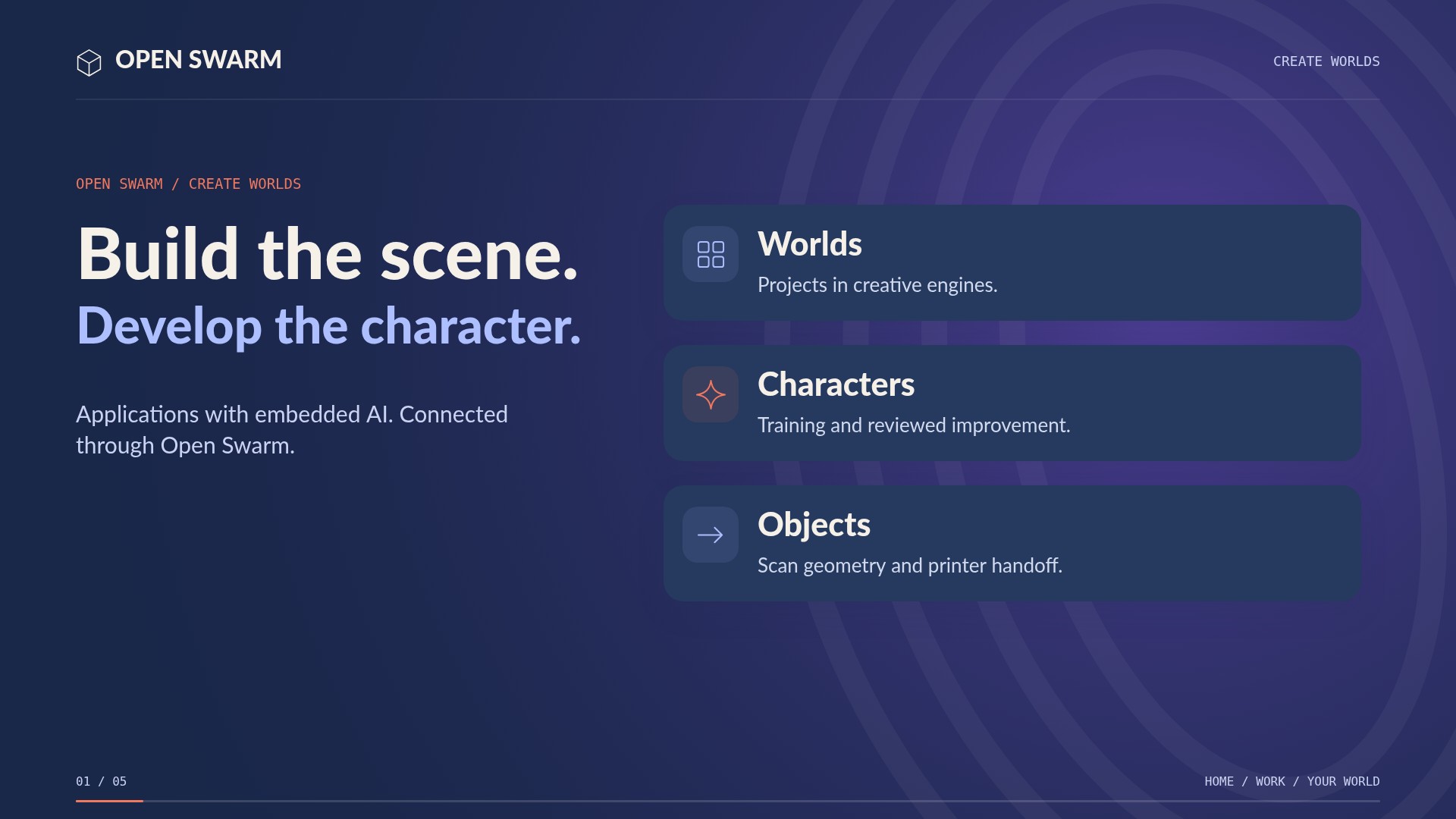
Start with a document, workbook, presentation, image, movie, publication, PDF, character, or 3D project. Open the editor and move between hands-on adjustments and its AI tools. Download, email, or save the result through the available file actions.