 1:33
Learning / Little Monsters
Keep the lesson. Make it yours.
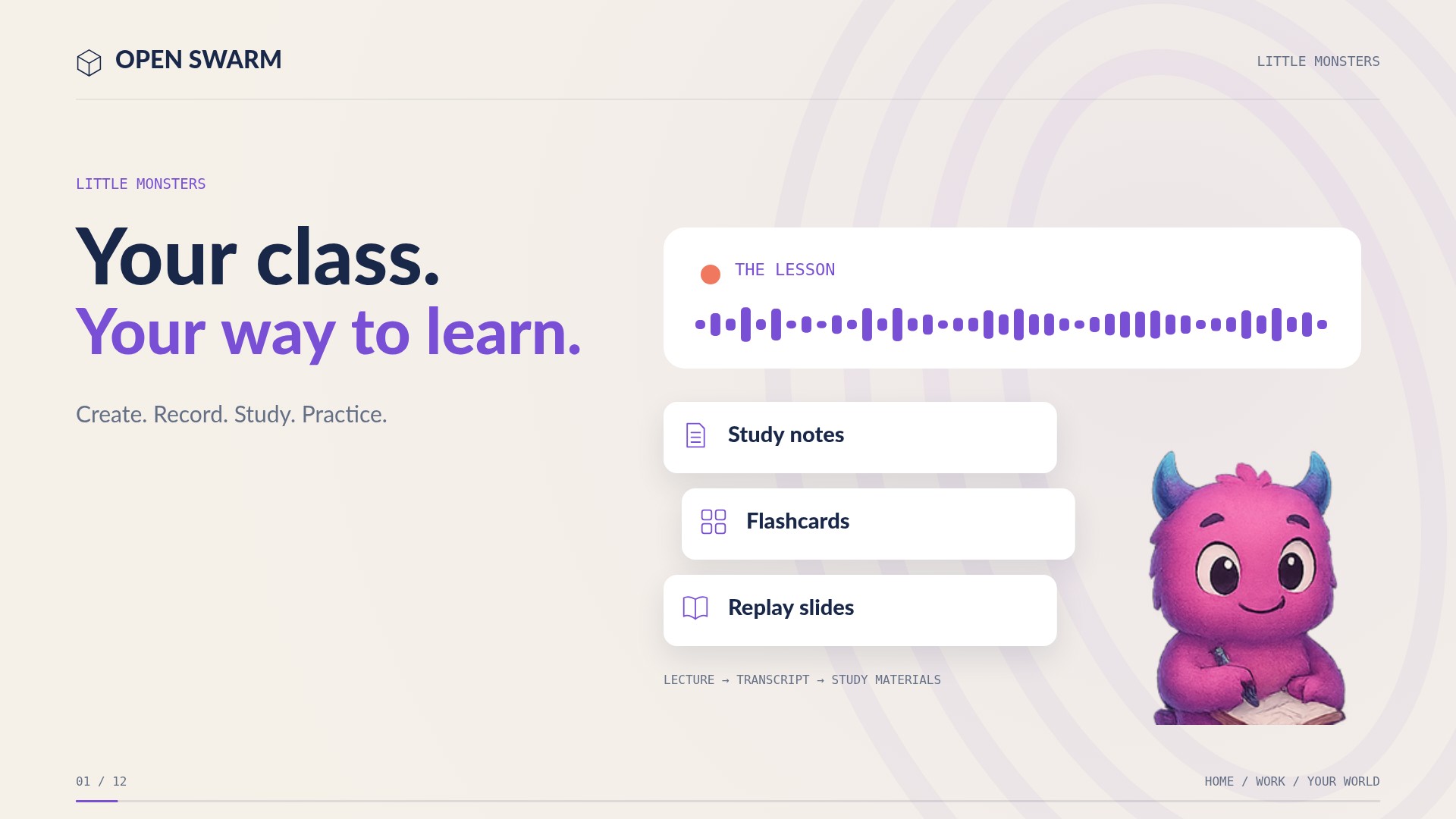
Create your own class. Record the lecture. Turn it into study guides, slide decks, and flashcards. Bring assignments into your calendar, practice through games, and talk things through with your tutor.
The useful details
What you can do.
- Create private student classesWatch the explanation ↗
- Record lectures in owned classesWatch the explanation ↗
- Generate study guides and slide decksWatch the explanation ↗
- Make flashcardsWatch the explanation ↗
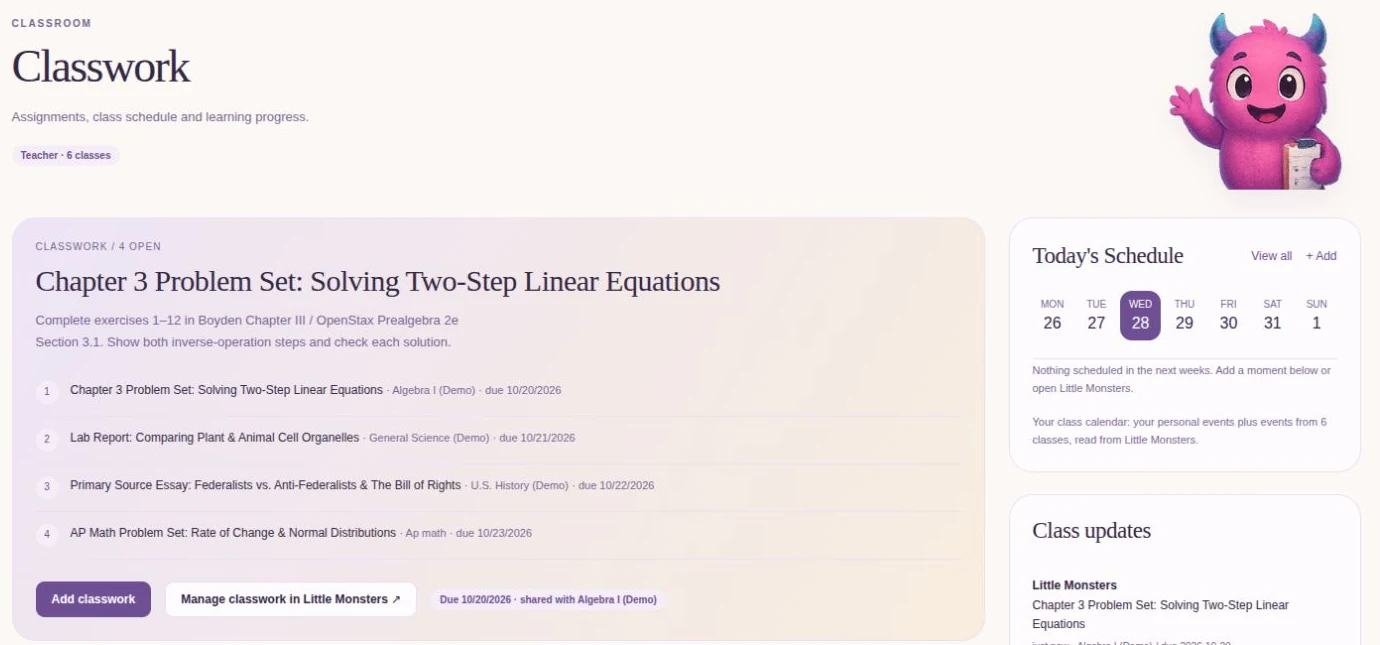
- Extract assignments and show class due datesWatch the explanation ↗
- Educational gamesWatch the explanation ↗
- Material-grounded tutoringWatch the explanation ↗
- Spoken questions and read-aloudWatch the explanation ↗
- Teacher assignments and enrollmentWatch the explanation ↗
- Ella’s origin story and lived experienceWatch the explanation ↗
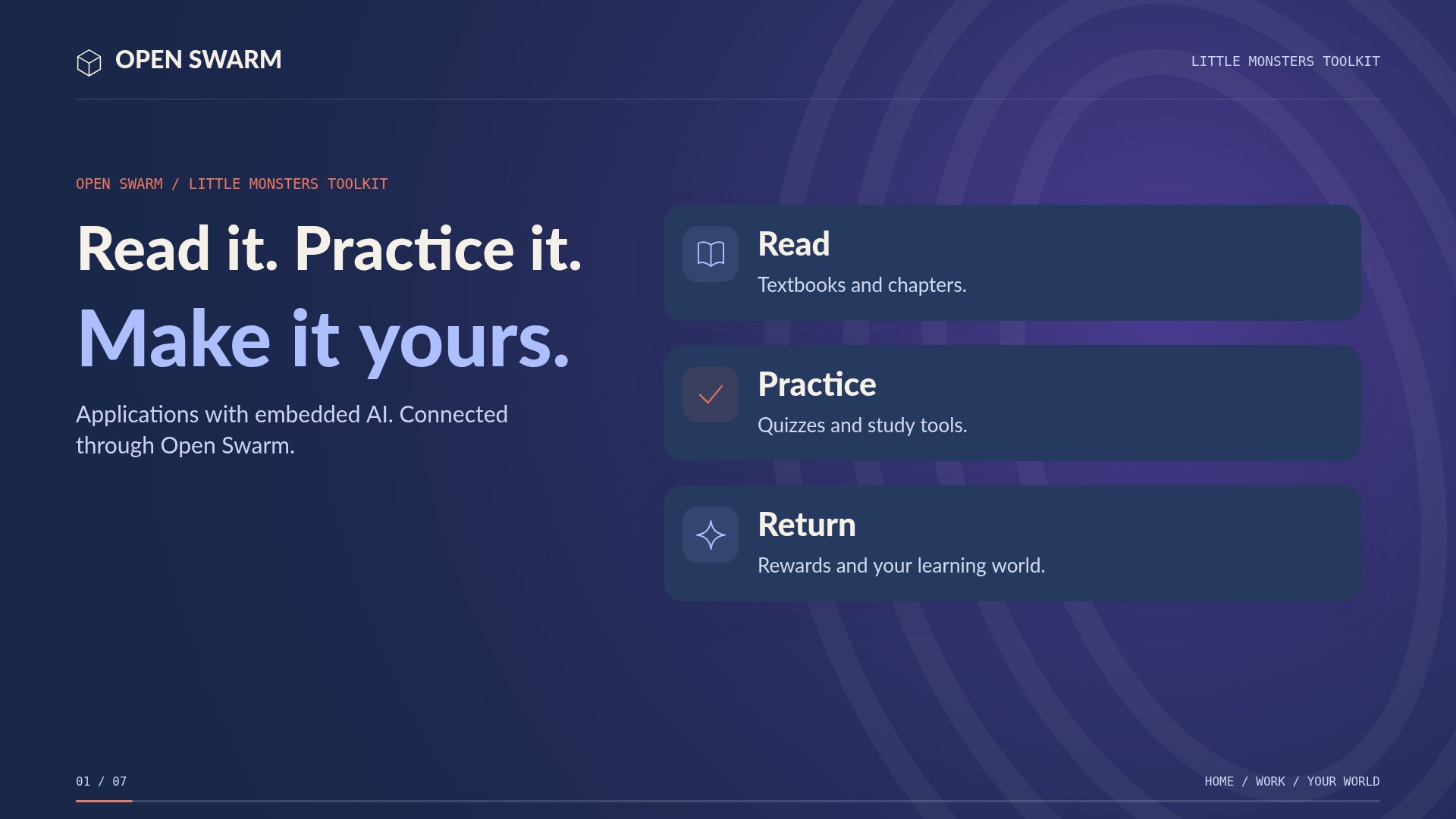
- Textbook and chapter readingWatch the explanation · 0:12 ↗
- Chapter-based study materialsWatch the explanation · 0:12 ↗
- Practice quizzes with server-side scoringWatch the explanation · 0:22 ↗
- Lecture summary PDFWatch the explanation · 0:22 ↗
- TimelinesWatch the explanation · 0:22 ↗
- Formula LabWatch the explanation · 0:32 ↗
- STEM helpersWatch the explanation · 0:32 ↗
- CitationsWatch the explanation · 0:32 ↗
- Material sharing reviewWatch the explanation · 0:41 ↗
- Learning rewards and My MonstersWatch the explanation · 0:41 ↗
Setup & availabilityStudents work in their own classes; teachers can post assignments and invite students into a classroom. Recording, materials, and sharing follow class ownership and permissions. Ella’s story describes her personal experience, not a promised grade.
A closer look
See the features.
Meet your connected workspace