On screen
What it looks like.
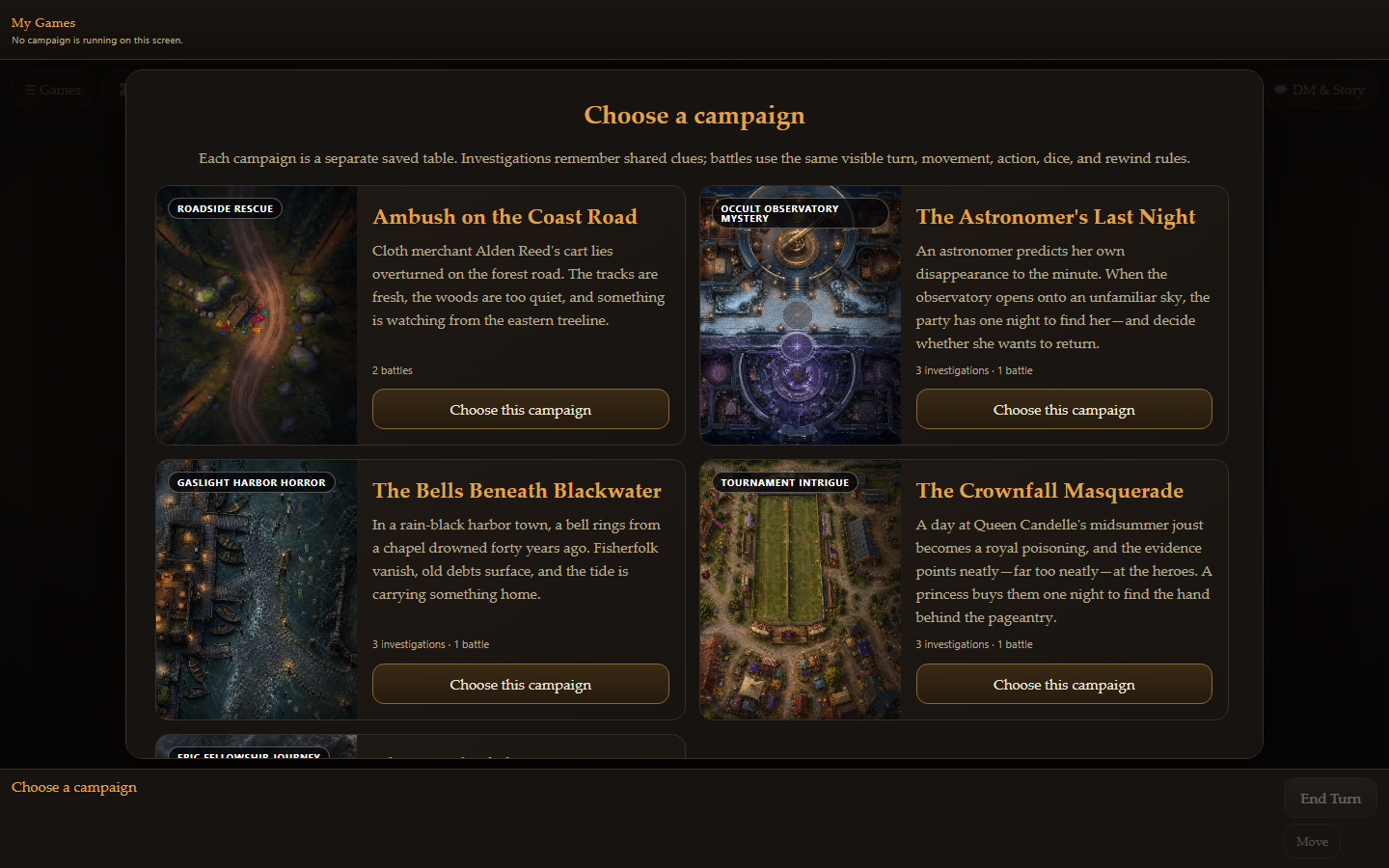
Creative · Store package · v0.21.1
Play D&D with an AI Dungeon Master on a cinematic shared board: claimed heroes and visible AI companions follow an explicit move, action, target, dice, result, and advance loop with natural narration, saved characters, multiplayer join codes, playback, and rewind.
Opens at dnd.oshal.ai — the app lives in the hostname, so a first login lands you right back on it. On your own box it is ?app=dnd.
5 screens in the ribbon · opens on dnd-table
What it does
Open SRD 5.1 (CC-BY).
On screen
How it runs
Not a chat window with a plugin behind it. Every step below is something the app declares in its manifest, which is why it can be told to you plainly.
Opening ?app=dnd loads its 5 screens into the shared cockpit, starting on dnd-table. The ribbon, the ticket list and the assistant are already there — the app contributes views, not a second application to log into.
The assistant classifies what you asked for and hands it to the bot that owns that domain. You do not pick the app, and you do not learn a command — routing is by declared capability, not by keyword matching a menu.
dungeon-master is accountable for the work. 6 declared capabilities say what it is trusted to do; the tokens and dollars it spends are recorded against that identity, so the cost has a line item rather than disappearing into a monthly bill.
Back on the app's own screens, as state you own — not as a chat message you have to scroll back to find.
With the assistant
The assistant is the front door. It classifies your request, delegates to the bot that owns the domain, and answers in one voice — so you do not have to know which of the applications this happens to live in.
dungeon-master advertises what it is accountable for, and the assistant matches against that.Accountability
Declared in the manifest and bound to the bot above — so "what is this thing allowed to do" is a list you can read, not a prompt you have to trust.
What it needs
tool-registry voice media-generation — reached by declaration, never by copying platform code into the package.Also on the creative shelf
On-brand OSHAL motion graphics — a short brief becomes the validated electric-"oshal" intro look via Google Vids on the operator's signed-in Chrome
Learn more → CreativeStoreRemote camera control - connect a GoPro (Open GoPro HTTP) or other cameras as device nodes and drive them: record, photo, modes, settings…
Learn more → CreativeStoreA creative bot that just keeps making short kid-safe videos - it rotates a public-domain library (fables, fairytales, famous sayings), animates each…
Learn more → CreativeStoreTV-style AI game night: Family Feud, Jeopardy, Wheel of Fortune and Whammy, each with its own television set — podium characters, sound cues and…
Learn more →Underneath
This app does not ship its own queue, its own credential store or its own cockpit. It declares what it needs and the platform provides it.