APPLICATION CATALOG
AGPL-3.0 · SELF-HOSTED · YOUR KEYS

54 applications · 6 shelves · one login

Every app you'd want an assistant for — on hardware you own.

oshal is an orchestration platform for agentic AI. The platform underneath never changes: a cockpit, a queue, a set of databases, a connector vault, and accountable bot identities that do the work. Applications are what you install on top — each one a packaged bot with its own screens, its own connectors and its own domain.

54
Applications
6
Shelves
308
Connector specs
40
Model providers
103
Bot personas

The shelves

Pick the job, not the technology.

Applications are grouped by who they serve — never by which model or connector they happen to use. An app bundles the bots, the connector permissions, the ticket types and the screens it needs, and installs as one unit.

01 — 10 apps

Productivity

Mail, messages, documents, money in and money out. The apps you would otherwise keep eleven browser tabs open for.

AI Office · Feeds · Identity Hub · Intelligent Communication · Payments … Browse productivity →
02 — 4 apps

Knowledge

Feeds, corpora and recall. These apps do the reading you do not have time for, and can tell you where every claim came from.

Ambient Recall · Intelligent Career · Job Apply · World Intelligence Browse knowledge →
03 — 6 apps

Finance

Money apps that reason out loud and stop at the point of action. Nothing here moves a dollar without you saying so.

Daily Trade Recap · Finance · Intelligent Trades · Kalshi Prediction Markets · Payroll … Browse finance →
04 — 11 apps

Creative

Video, images, characters, game nights. The output is the point, and the render is real — not a mock-up of one.

Brand Graphics · Camera Ops · Creative Studio · Dungeon Master · Game Show … Browse creative →
05 — 11 apps

Home & life

Devices, meals, rides, travel and the people you run a household with. The domestic half of the day, on the same rails as the work half.

Drone Ops · Eats · Get a Ride · Kid Lens · Life … Browse home & life →
06 — 11 apps

Engineering

The apps that run the swarm itself and the ones that turn it into a workbench — design labs, bake-offs, and the factory that packs new bots.

Aero Lab · AI Bake-Off · Bot Forge · Cloud · DevOps + Vault … Browse engineering →
07 — 1 app

Assistant

Ask in plain language and it works out which specialist owns the answer. The front door to every other app on this page.

OSHAL Assistant Browse assistant →

Start here

Six that show what the platform is for.

Different shelves, same rails underneath — each one owns its data, its bots and its screens, and each one is a real page with the whole story.

Opening one

One app, one shelf, everything, or just the assistant.

The cockpit is shaped by the URL, and the URL is the only source of truth — nothing is cached into your browser to poison the next visit. A shape is a link.

/cockpit/
The framework default — tickets, chat, calendar, dashboard, shaped by what you are authorized for.
?app=<name>
One application, full screen: its ribbon, its surfaces, its ticket list pre-filtered to the types it registered.
?app=life
A shelf as one desk. Real apps whose job is to gather related apps behind a single toolbar.
?app=jarvis
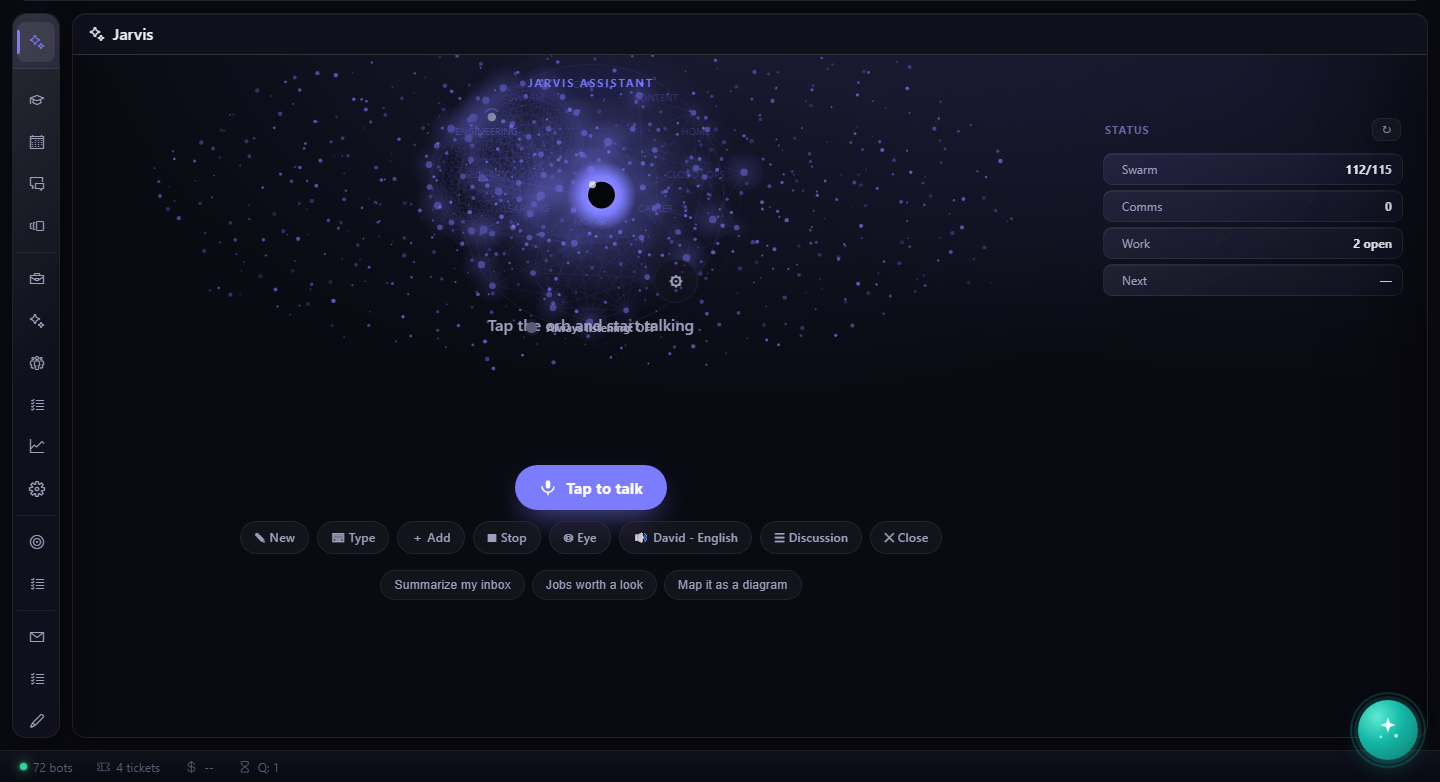
Just the assistant — ask in plain language and it routes to whichever specialist owns the answer.
Local first. The stack runs on one box with Docker — cockpit, Postgres, Redis, the vector store and the bot containers — and scales out to Kubernetes without changing the app contract. Sign-in is OIDC in production; local development runs with a mock identity so a human can always exercise the thing in a browser.