 1:18
Open Swarm / Feature film
Intelligent Office — From an idea to an editable file.
1:47 · English captions
The video could not load. You can download a copy below or reload this page.
In this film
The story
A presentation, a document, a spreadsheet. Intelligent Office helps you turn a starting idea into something you can edit, use, and share. Choose a format and a useful starting point: a deck, letter, report, budget, plan, or tracker.
About the demonstrationOffice exports DOCX, XLSX, and PPTX; dedicated creative tools handle PDF. AI partner edits use the selected slide, section, sheet, or cell and are reviewed before applying. Workbook formulas are stored, not recalculated in the browser. Local processing and local storage can keep files on your computer. A synced Dropbox or Google Drive folder still sends files to that service.
Read the full transcript
0:00A presentation, a document, a spreadsheet. Intelligent Office helps you turn a starting idea into something you can edit, use, and share.
0:10Choose a format and a useful starting point: a deck, letter, report, budget, plan, or tracker.
0:18Ask the AI partner to help shape the outline. Refine the content in the application, with the editor and assistant side by side.
0:27Arrange slides, change layouts, and choose a theme. Build the story in editable slide structure.
0:34Switch to a document for a letter, a report, or a structured explanation, and work section by section.
0:42Use the workbook editor for budgets, plans, and trackers, with a grid you can continue working in.
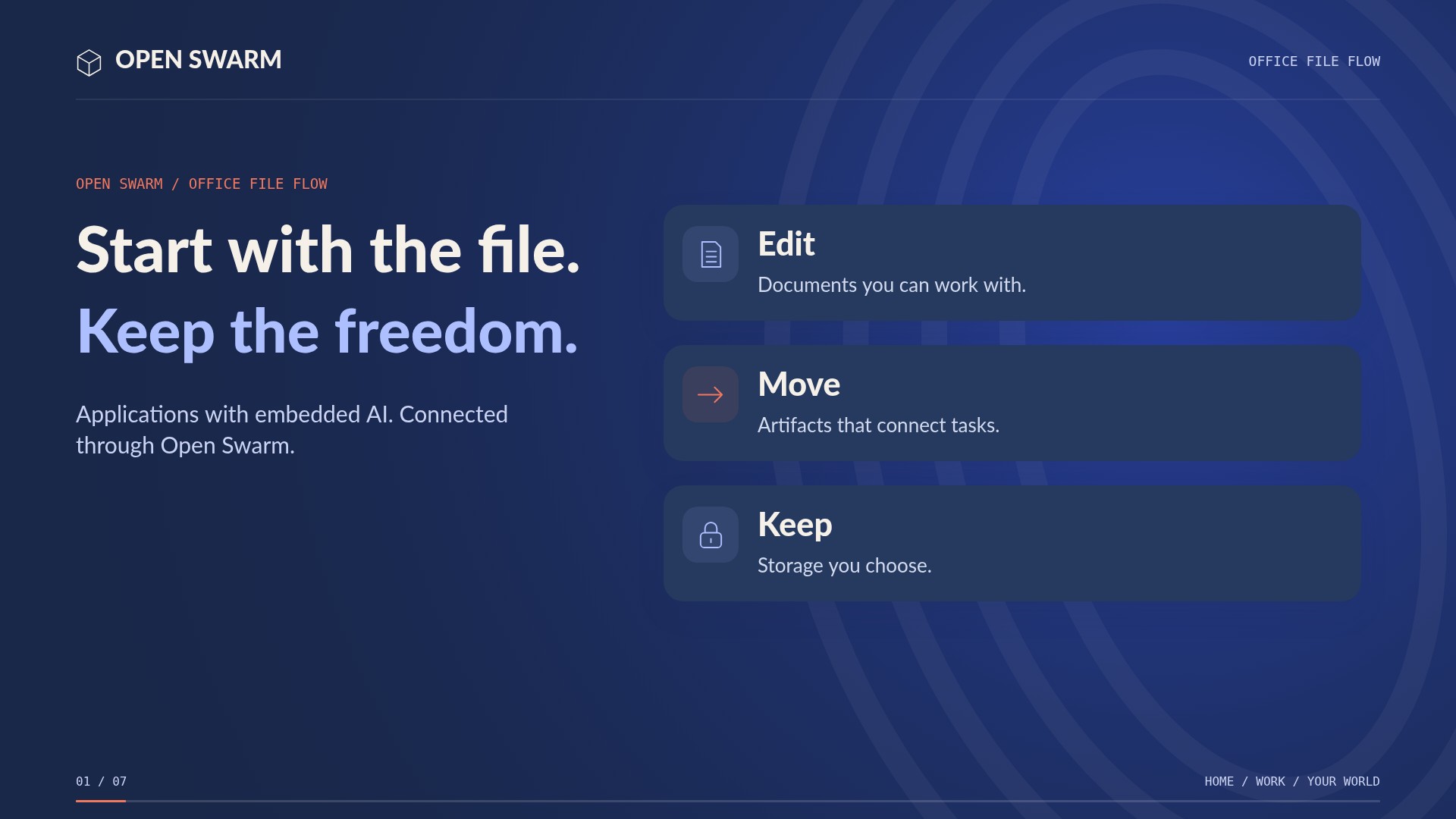
0:48Apply themes and brand colors. Generate editable PowerPoint, Microsoft Word, and Excel files.
0:56Download a copy to your computer, or email a rendered attachment from your own connected mailbox.
1:03Save locally, or use a mapped or connected drive, including Dropbox or Google Drive. You choose where the file goes.
1:12When Open Swarm, its AI, and storage run locally, your files never have to leave your computer.
1:19For PDF work, connect to Create’s Publishing Studio and PDF Workbench to produce, organize, and keep PDF copies.
1:28Plan a family project, explain a lesson, or pitch a business idea. The AI helps; the application gives you a real working file.
1:38Make it useful. Make it editable. Open Swarm Intelligent Office.
Keep exploring.
All 49 films1:18