 1:47
Open Swarm / Feature film
Office file flow — Start with the file. Keep the freedom.
1:18 · English captions
The video could not load. You can download a copy below or reload this page.
In this film
The story
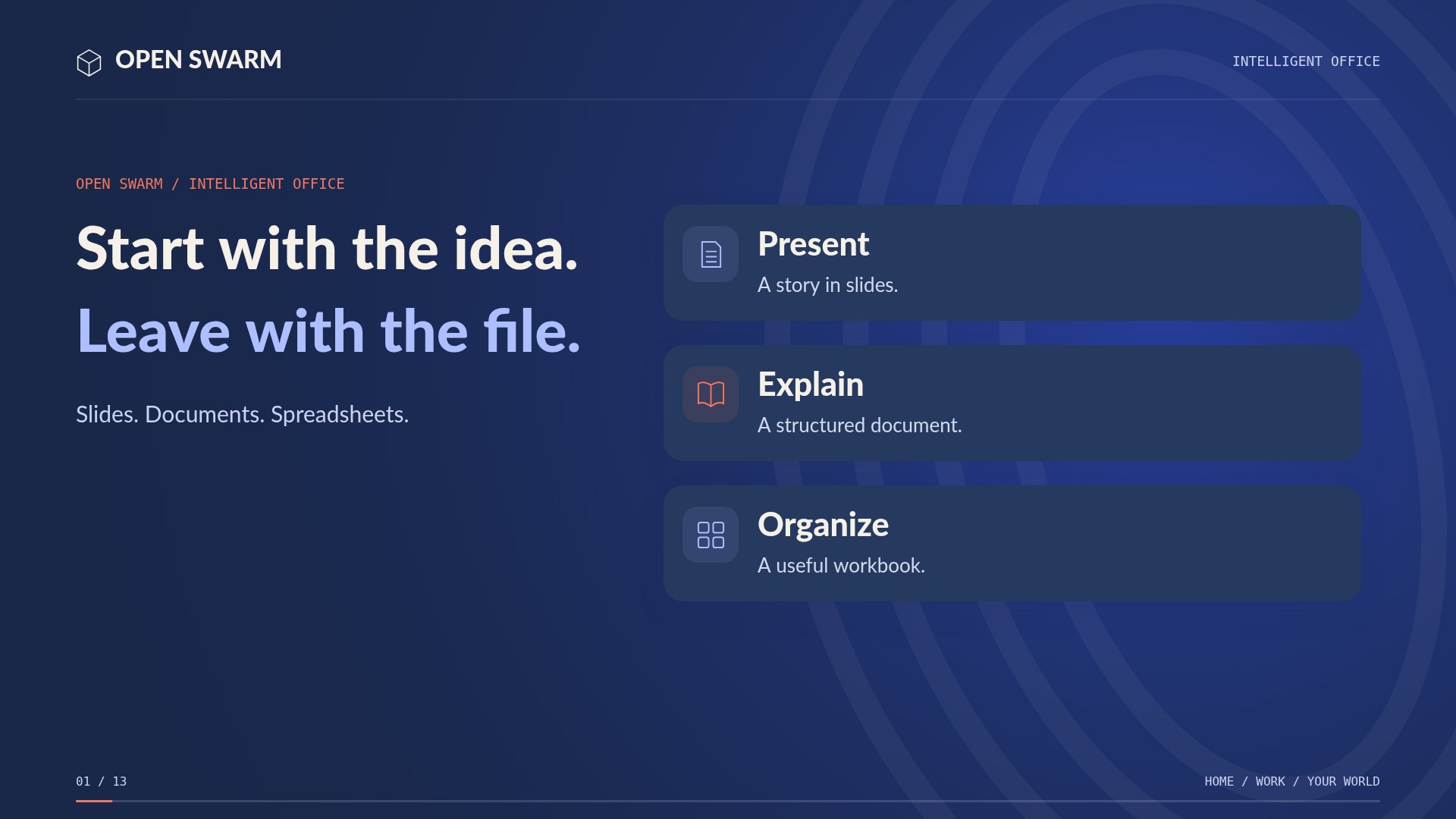
Open Swarm Office keeps useful files at the center. Work with the document, bring in AI assistance, and choose where the result belongs. Open existing files and regenerate an artifact from your changes. Use dictation and phone editing chips to refine the work from a smaller screen.
About the demonstrationOffice exports DOCX, XLSX, and PPTX; dedicated creative tools handle PDF. AI partner edits use the selected slide, section, sheet, or cell and are reviewed before applying. Workbook formulas are stored, not recalculated in the browser. Local processing and local storage can keep files on your computer. A synced Dropbox or Google Drive folder still sends files to that service.
Read the full transcript
0:00Open Swarm Office keeps useful files at the center. Work with the document, bring in AI assistance, and choose where the result belongs.
0:10Open existing files and regenerate an artifact from your changes. Use dictation and phone editing chips to refine the work from a smaller screen.
0:20Per-bucket targets distinguish code and file storage. A storage assistant helps work with notes and files, while local folders, mapped drives, and cloud connectors remain distinct choices.
0:33Send an artifact into another application through a supported handoff. A useful result can become the starting point for the next job.
0:41Create editable Word, Excel, and PowerPoint files. Use the PDF tools for PDF work. Download a copy, email an approved copy, or save to local or configured storage.
0:55With local storage and local AI processing, your files can stay on your computer. A mapped Dropbox or Google Drive folder may sync externally, according to that service.
1:07From a first draft to the next application, keep the file useful and the destination yours. Open Swarm Office.
Keep exploring.
All 49 films1:47