 1:27
Open Swarm / Feature film
Open Swarm technical — One platform. Separate worlds.
3:06 · English captions
The video could not load. You can download a copy below or reload this page.
In this film
The story
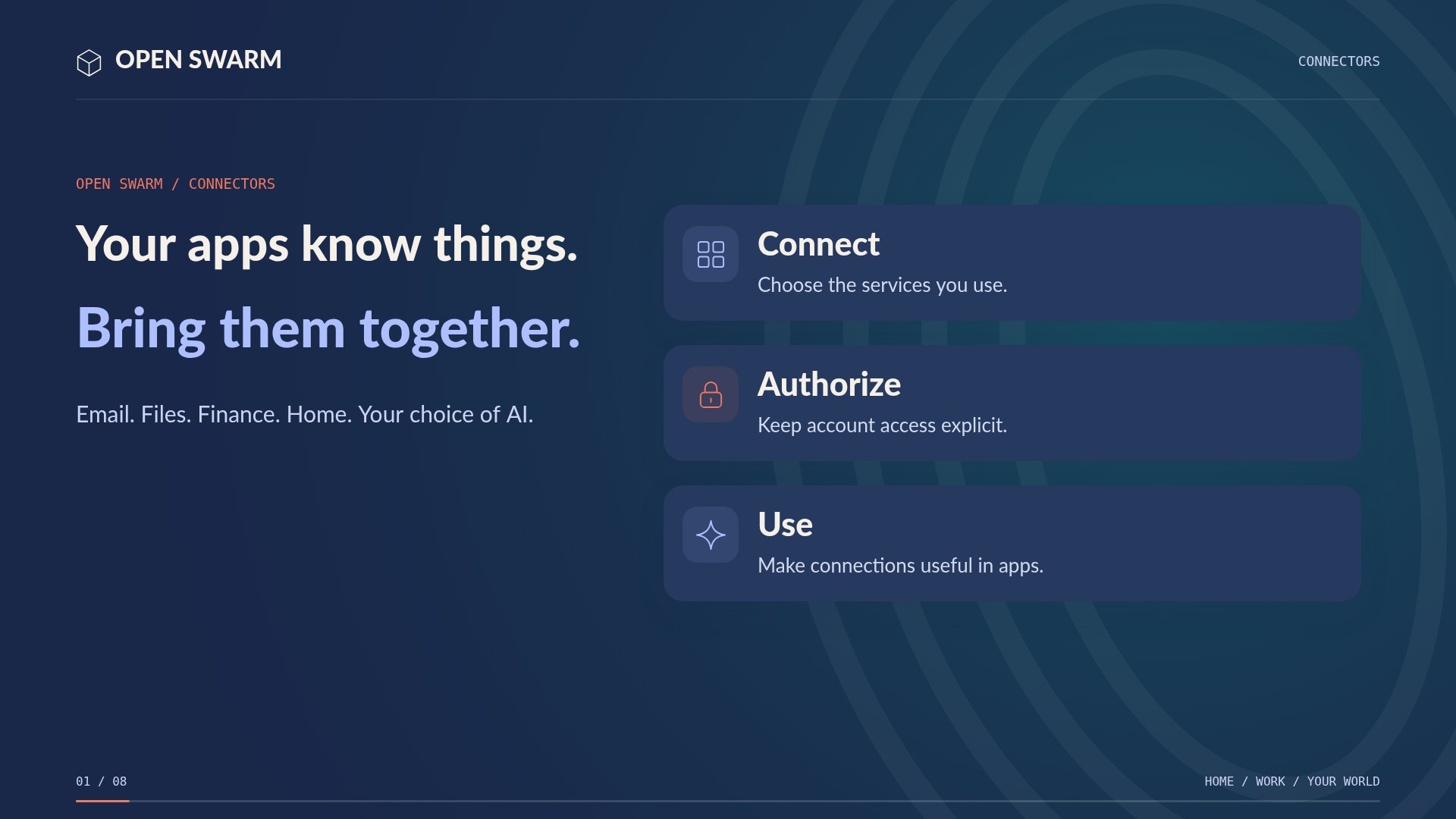
A household shares a computer. A team shares a workspace. A hosted service supports different organizations. Open Swarm brings applications and agents together, while giving identity, permissions, and configuration a place in the architecture. These are applications you can see and use. Edit the document yourself. Or work side by side with its embedded concierge and ask it to make the change. Agents can coordinate supported actions across applications, using the permissions of the person doing the work.
About the demonstrationArchitecture overview with recorded product screens and labeled diagrams. Runtime and adapter availability vary. Persistent per-user, per-bot harness editing was not verified for all users; this is not a security certification.
Read the full transcript
0:00A household shares a computer. A team shares a workspace. A hosted service supports different organizations. Open Swarm brings applications and agents together, while giving identity, permissions, and configuration a place in the architecture.
0:15These are applications you can see and use. Edit the document yourself. Or work side by side with its embedded concierge and ask it to make the change. Agents can coordinate supported actions across applications, using the permissions of the person doing the work.
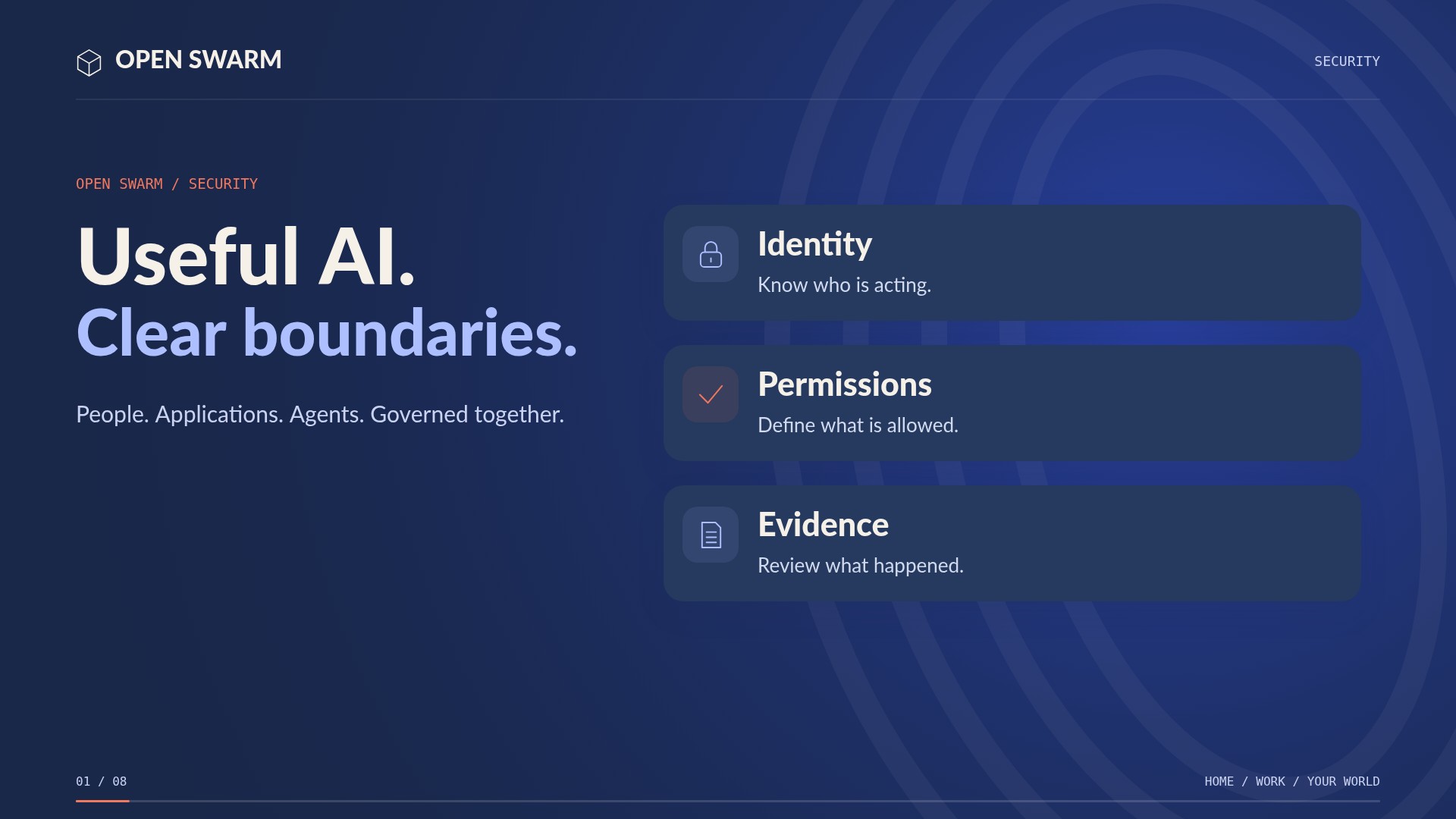
0:31Multi-user means separate identities inside a workspace. Multi-tenant adds a boundary between workspaces. The kernel carries the caller and tenant through admitted work, and applies scoped access to records and resources. A second tenant is not simply another browser tab.
0:48Users can bring their own supported provider credentials. The payment resolver can select the caller’s key, then the tenant’s key, then an administrator-funded pool within its cap. This is separate from choosing the model. Credentials stay behind access controls; the spending record identifies the payer.
1:07An administrator can configure fleet defaults. A bot can have its own supported provider and model configuration. A permitted user choice can take precedence for a turn. The harness determines how the agent runs. Persistent per-user, per-bot harness controls depend on the installed runtime; a preference never grants extra access.
1:27Image generation, speech, transcription, and video also need providers. Configure the capabilities your installation offers, with the available defaults and personal choices. Check availability, credentials, and cost for each capability. Choosing a text model does not automatically configure every creative tool.
1:48Routing answers a different question: which bot should do this work? Jarvis or a configured workflow can hand a task to the appropriate specialist. That bot uses its resolved configuration and permitted tools. Useful context can move with the task, without making everyone’s private data available to every bot.
2:07Give each person their own login. Grant access to the applications and resources they need. Share a supported knowledge collection or workspace through its access controls, and keep other material private. User and tenant isolation protects application access; it is not a promise that the administrator of the host cannot access the machine.
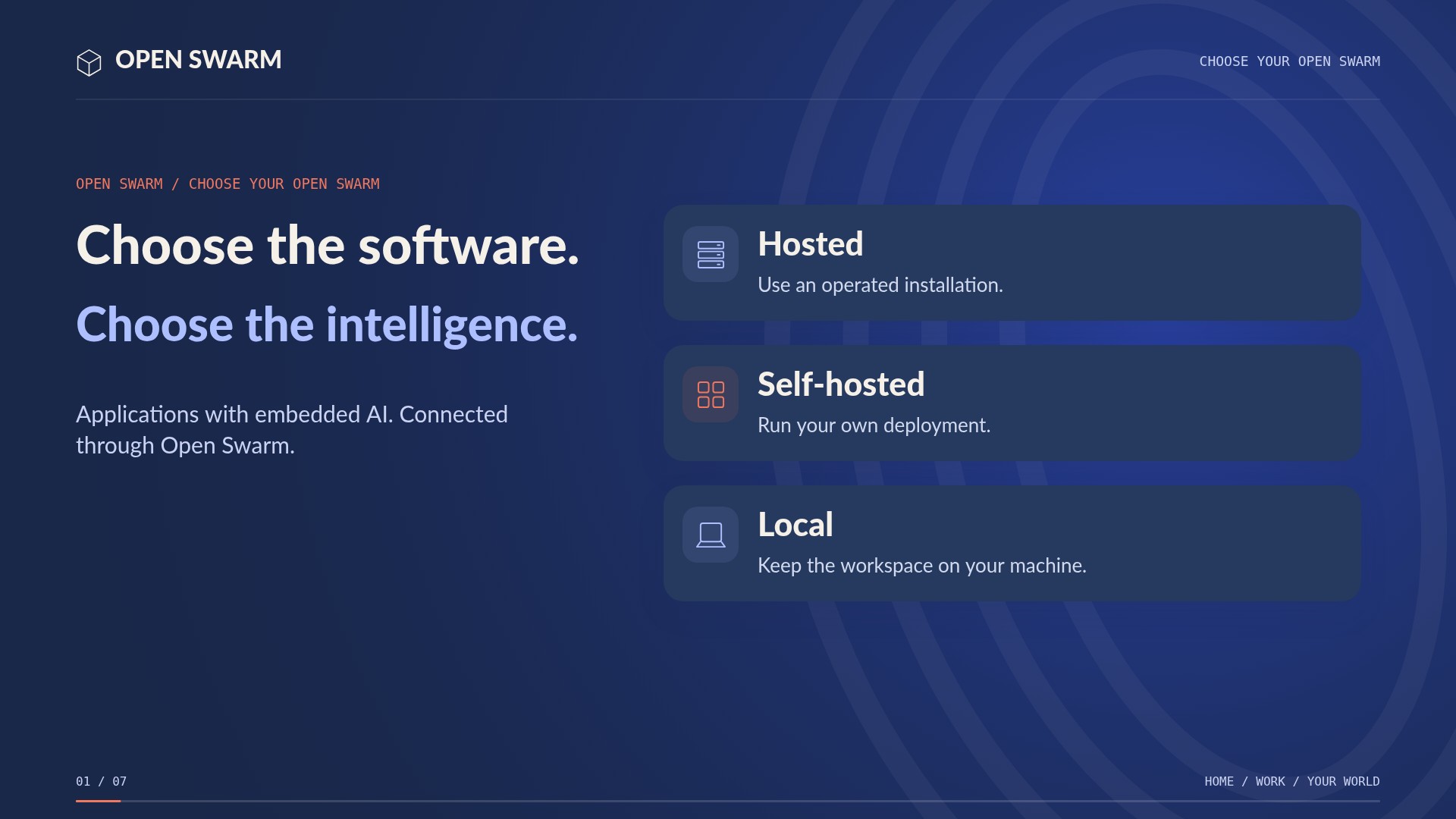
2:27Run a supported deployment at home or on larger infrastructure. A laptop can use an external model, while a capable machine can host a suitable local model. External providers receive the context you send. Keeping processing, inference, and storage local is what lets that information remain on your computer.
2:47The difference is the combination: usable applications, embedded concierges, coordinating agents, and explicit control over who can act, which intelligence they use, and where the work runs. Explore the technical and home setup guides at oswarm.ai.